Case study · AI product photography, brand and film
From five phone photos to a full launch kit
The process film
One ComfyUI graph on our Mac, from the client photos to the last social format. Everything on screen is a real capture of the graph and its real outputs, sped up. 68 seconds, with a vertical cut for TikTok and Reels.
Watch larger ↗Watch the vertical cut (9:16) ↗
The brief
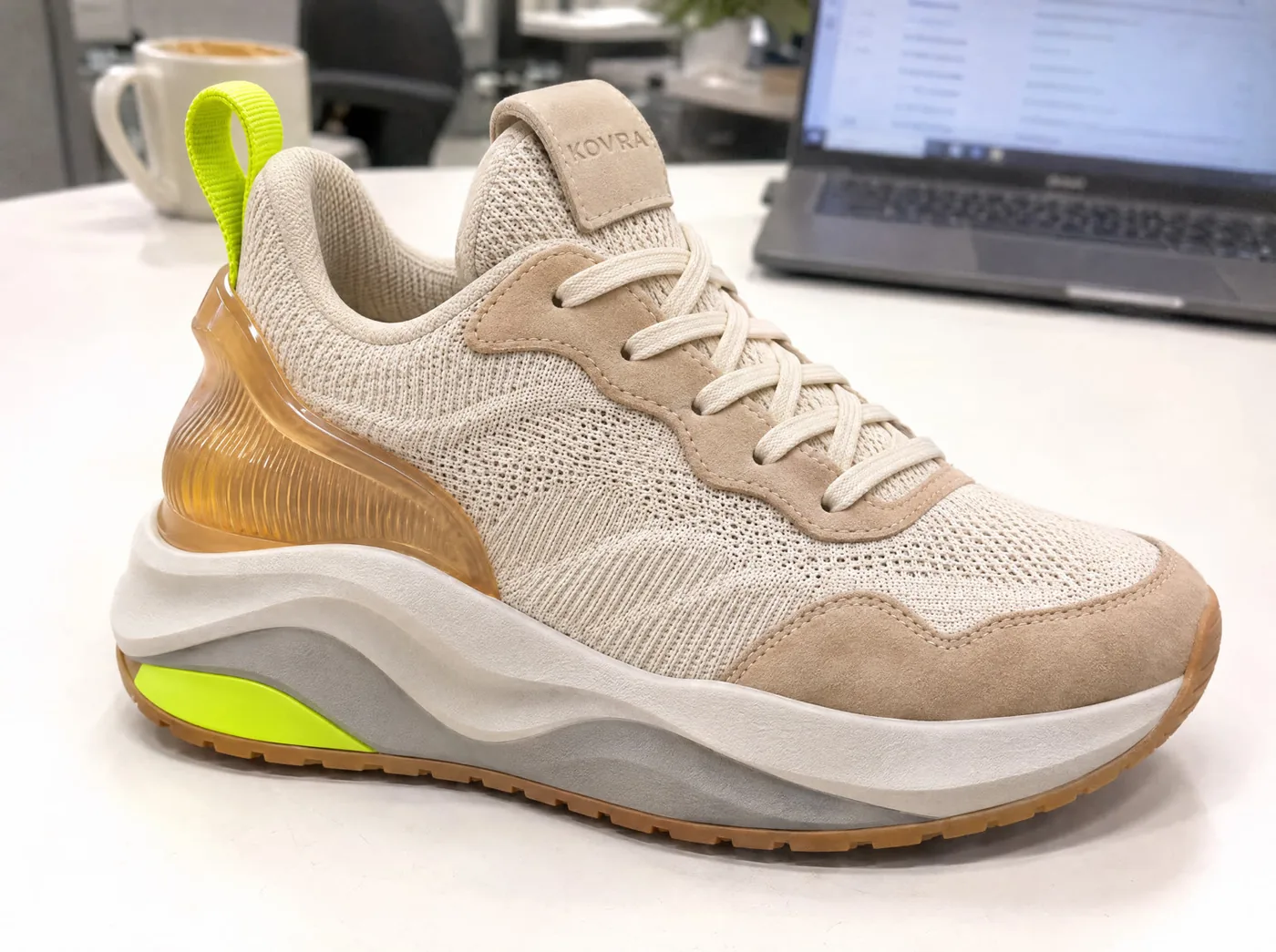
A new sneaker brand sends what most brands have on day one: five phone photos of the product, taken in a hallway, on a desk, in someone’s hand. No studio shots, no logo, no campaign. The job is everything a launch needs: campaign stills, a brand mark, an ad film for every screen and a social kit, with the product kept true to the real thing.
We built it as one ComfyUI workflow, so the client photos go in at one end and the finished package comes out at the other, with an art director decision at every step.
KOVRA is a fictional brand we created for this case study. The sneaker, the “client” phone photos, the dancers and the film are AI generated too, so we can show the whole process without sharing a client’s unreleased product.
What the client sends
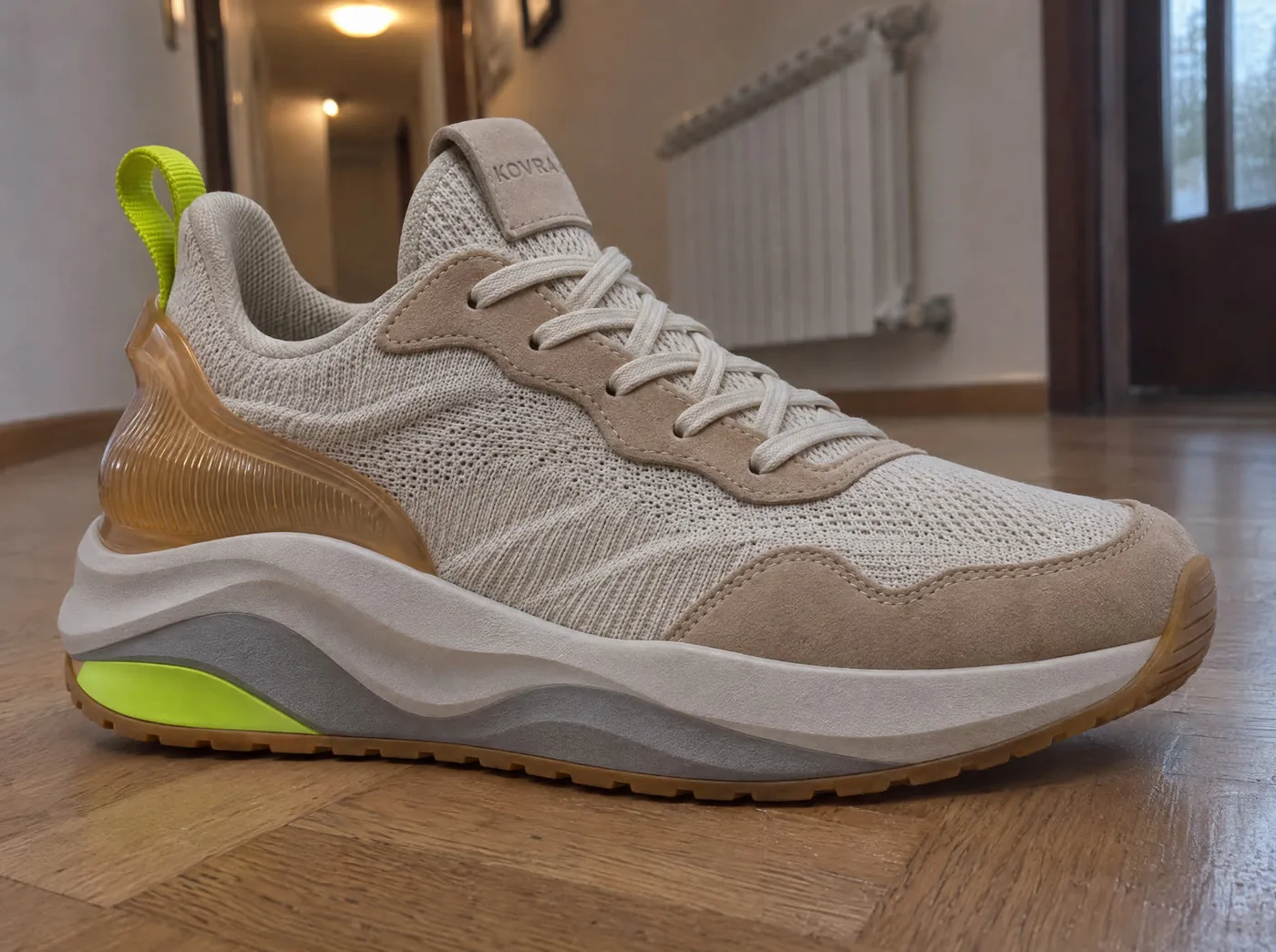
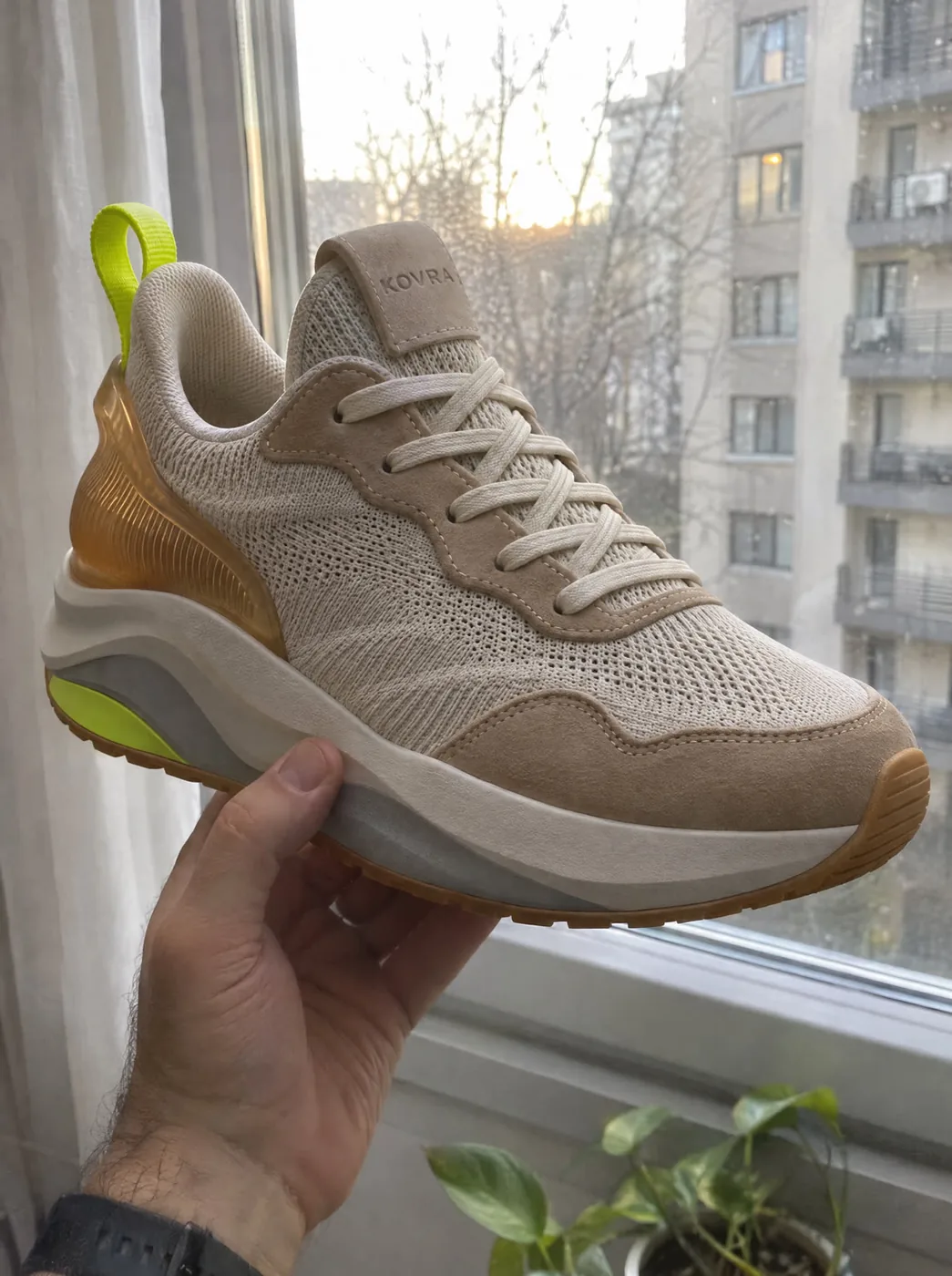
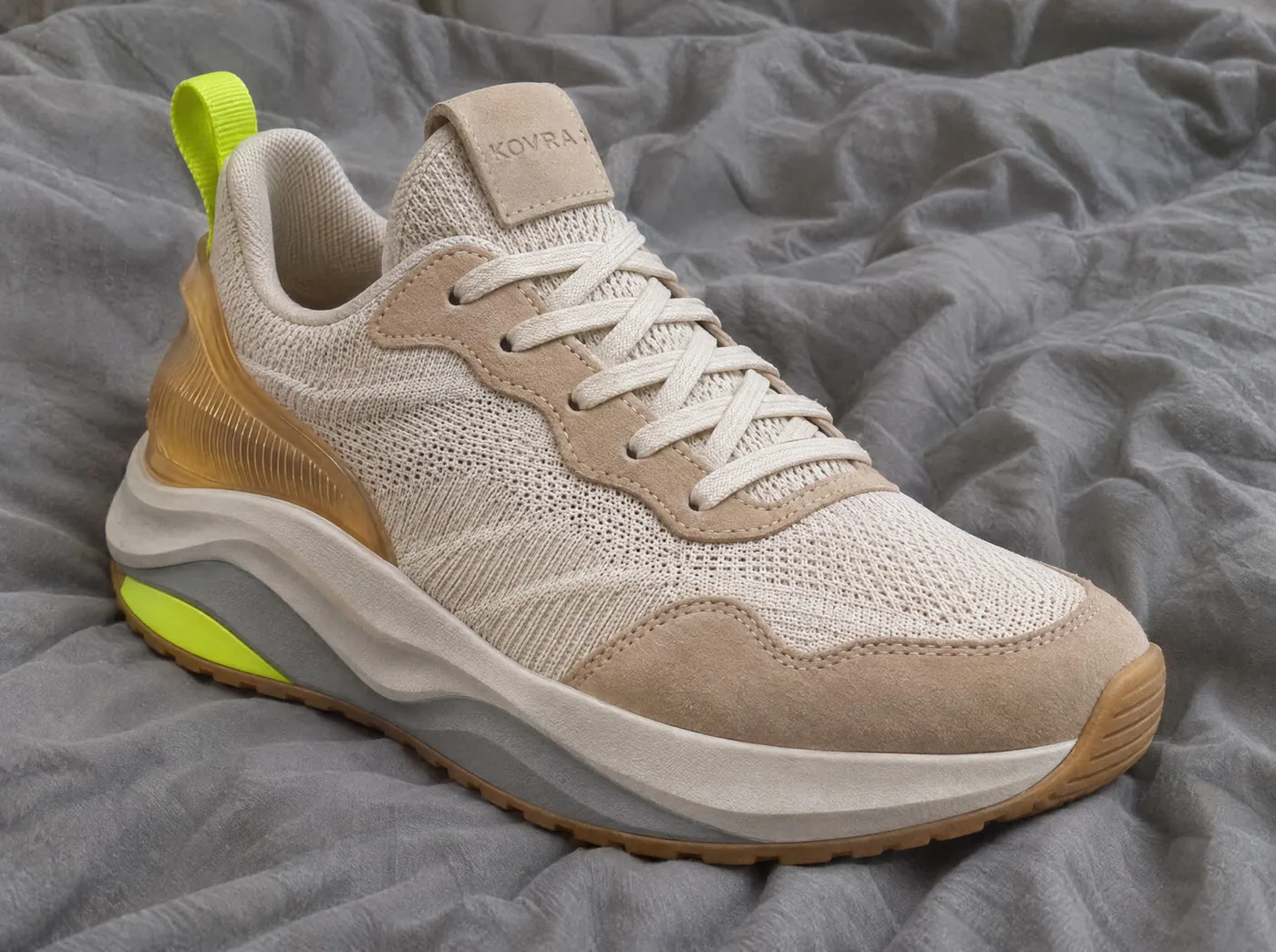
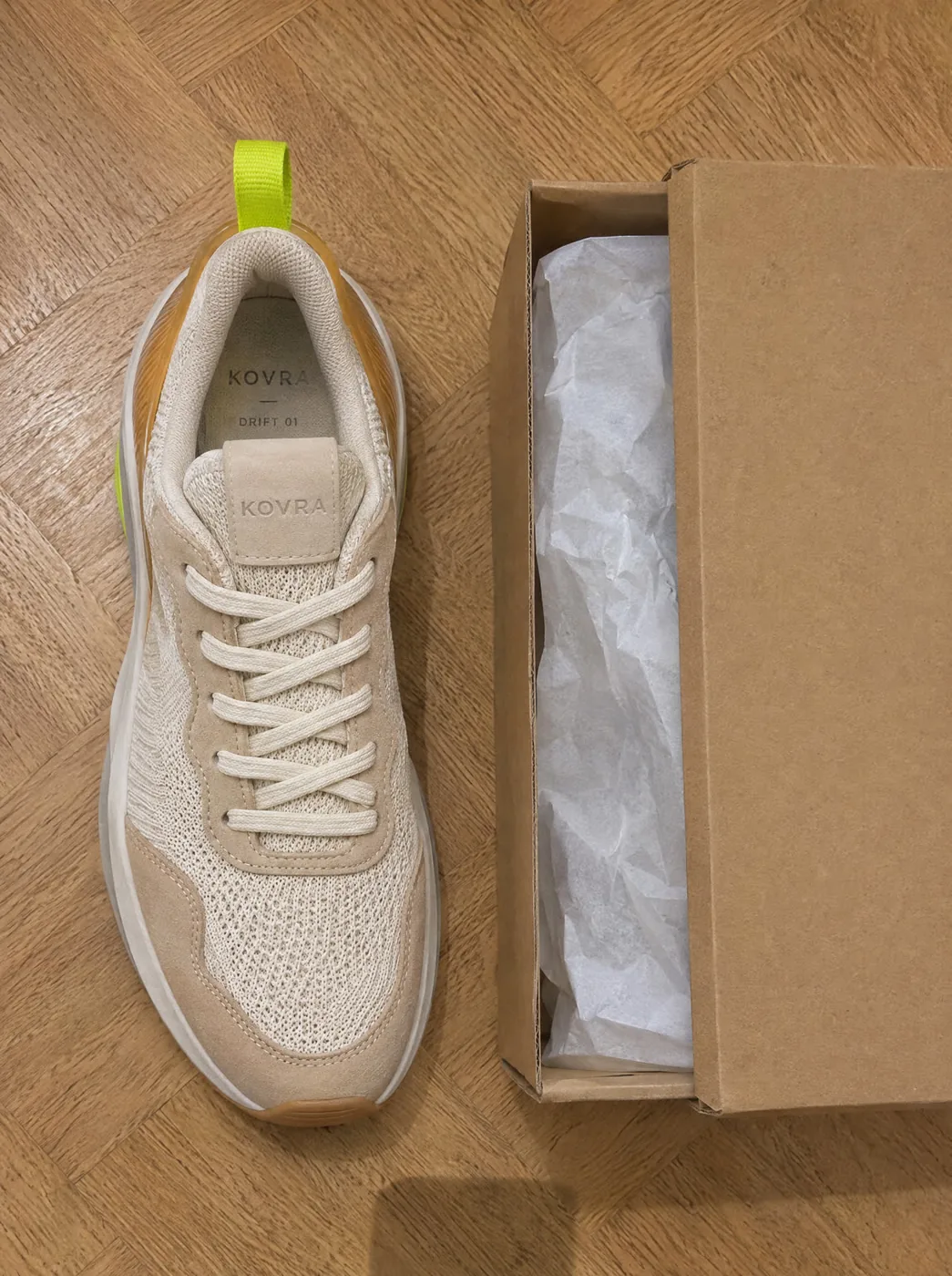
What we delivered
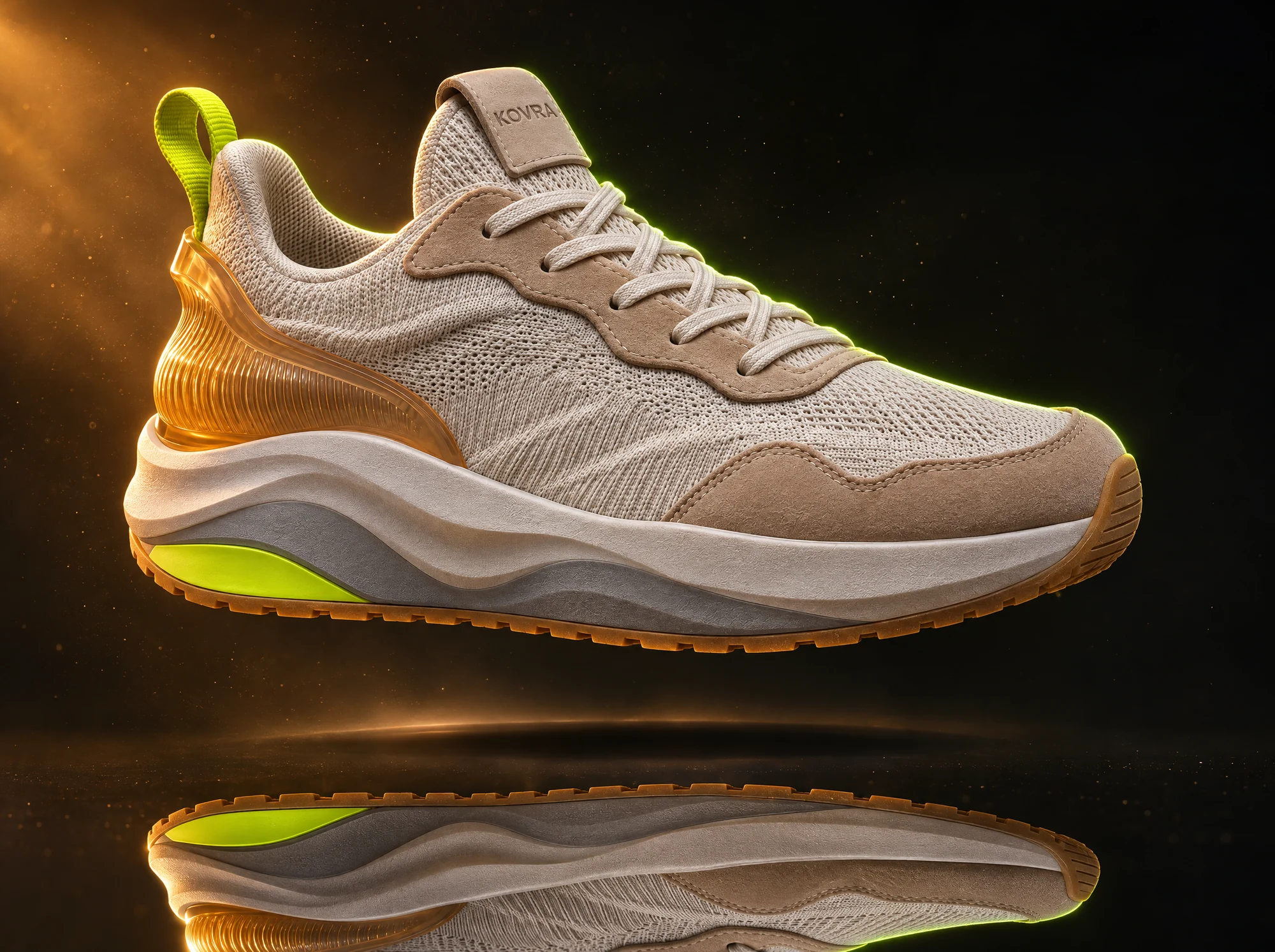
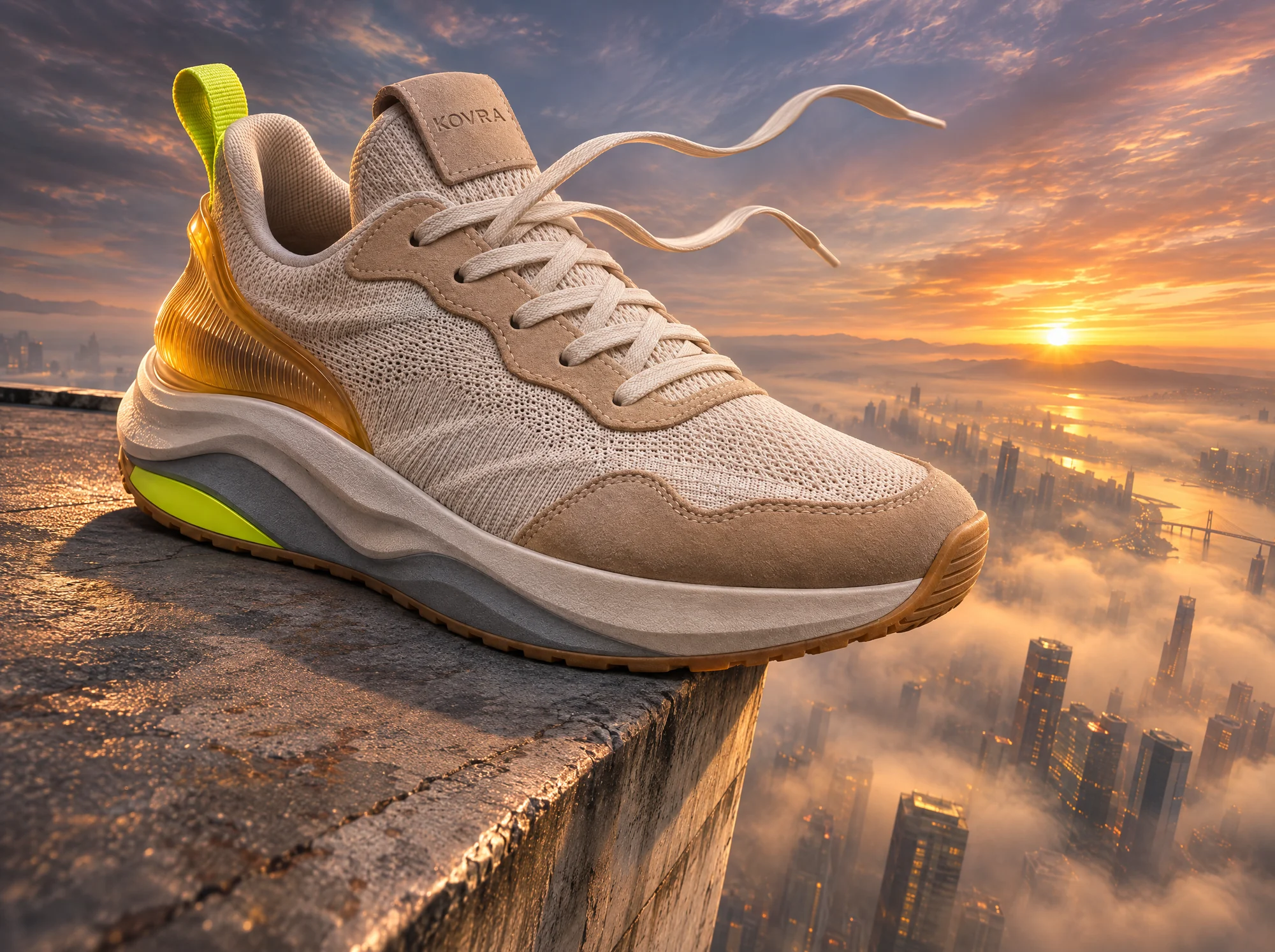
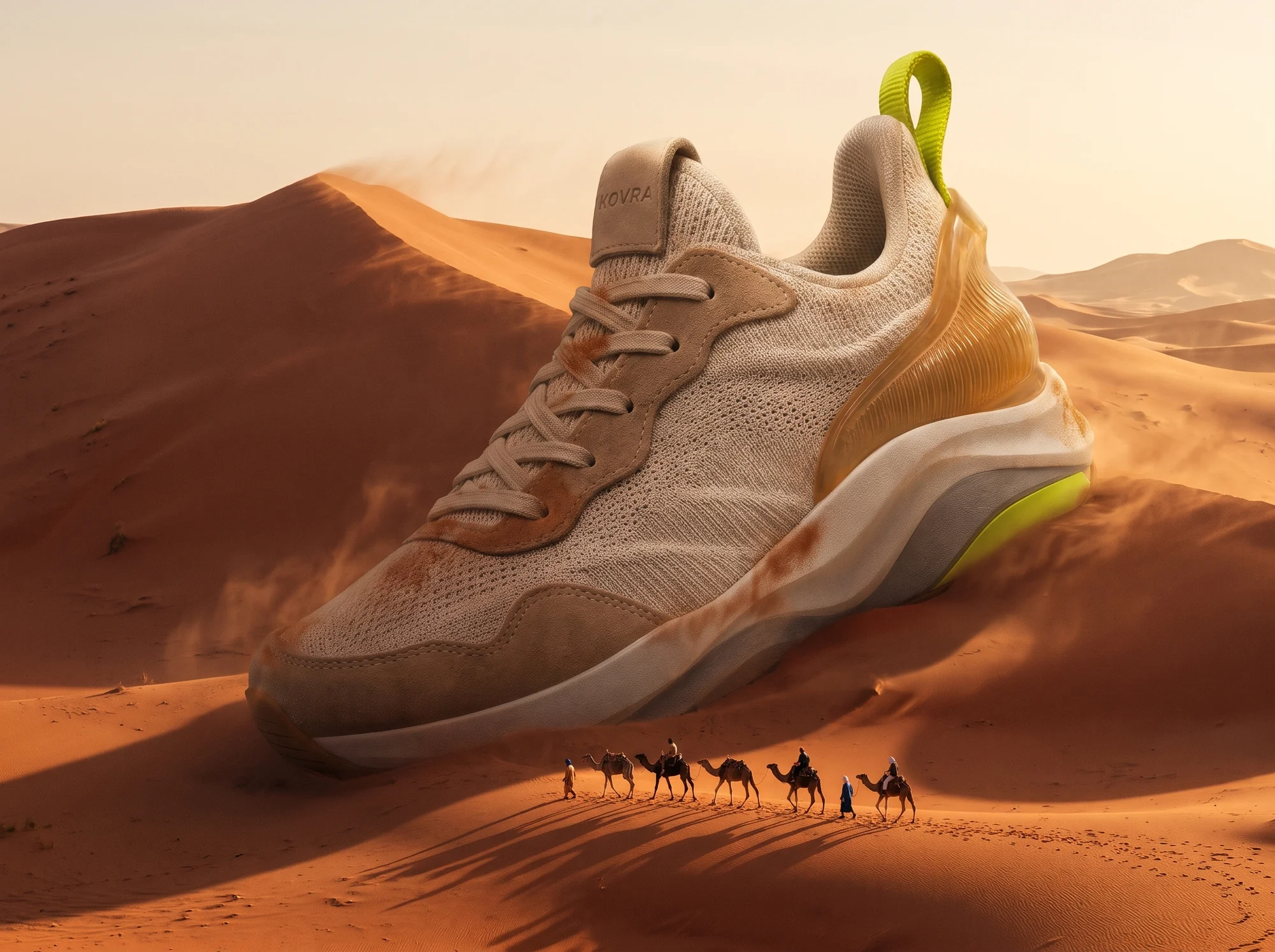
- 6campaign stills, studio to lifestyle
- 38logo files, SVG and PNG, from 3 proposals
- 9social formats, one per platform
- 3ad film formats, 16:9, 9:16 and 4:5 in 1080p
- 2process film cuts, 16:9 and 9:16
01 · Campaign photos
Three options per scene, one human pick
Client photos in
The phone photos go into ComfyUI as they are. No cleanup and no studio shots.
One brief per scene
Each scene gets a written brief: location, light and mood, plus a fixed product description, so every model gets the same facts about the shoe.
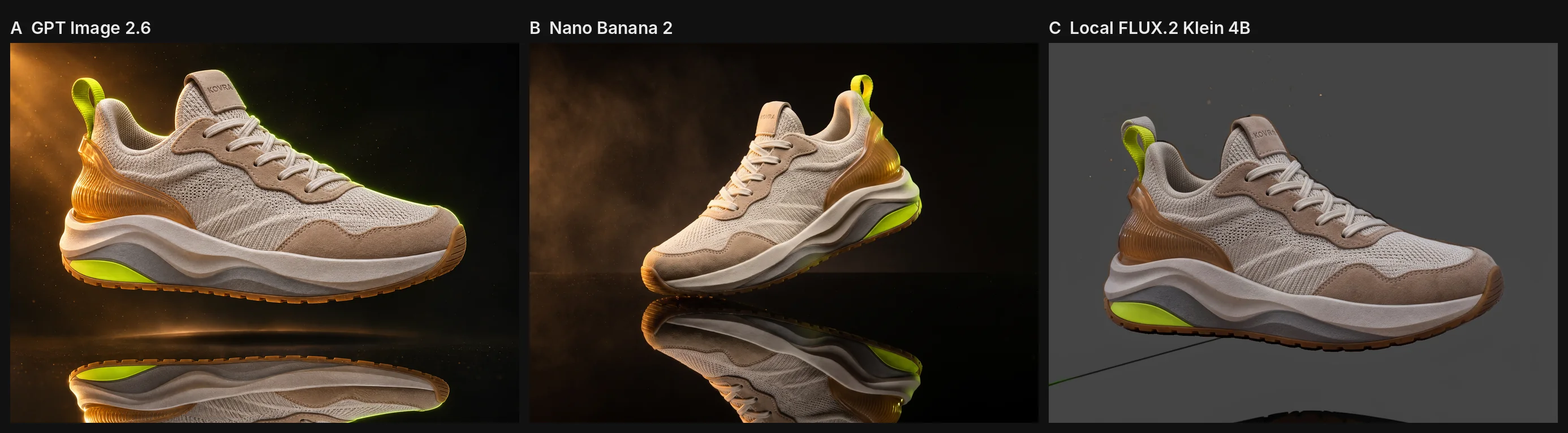
Three options per scene
Option A is GPT Image 2.6 and option B is Nano Banana 2, both generated through Higgsfield and pulled into the graph by our own bridge node. Option C runs locally on our Mac: SAM 3.1 finds the shoe and FLUX.2 Klein 4B builds the scene around it while a lock map protects the product.
Art director pick
One node decides which option moves forward. Nothing reaches the final folder without a human choice.
Accuracy check
The final still sits next to the client photo in the same graph, so the pull loop, heel cage, midsole and outsole are checked against the real product.
Retouch and deliver
On a client job, the picked frames then go through our regular retouching and color pass before delivery.
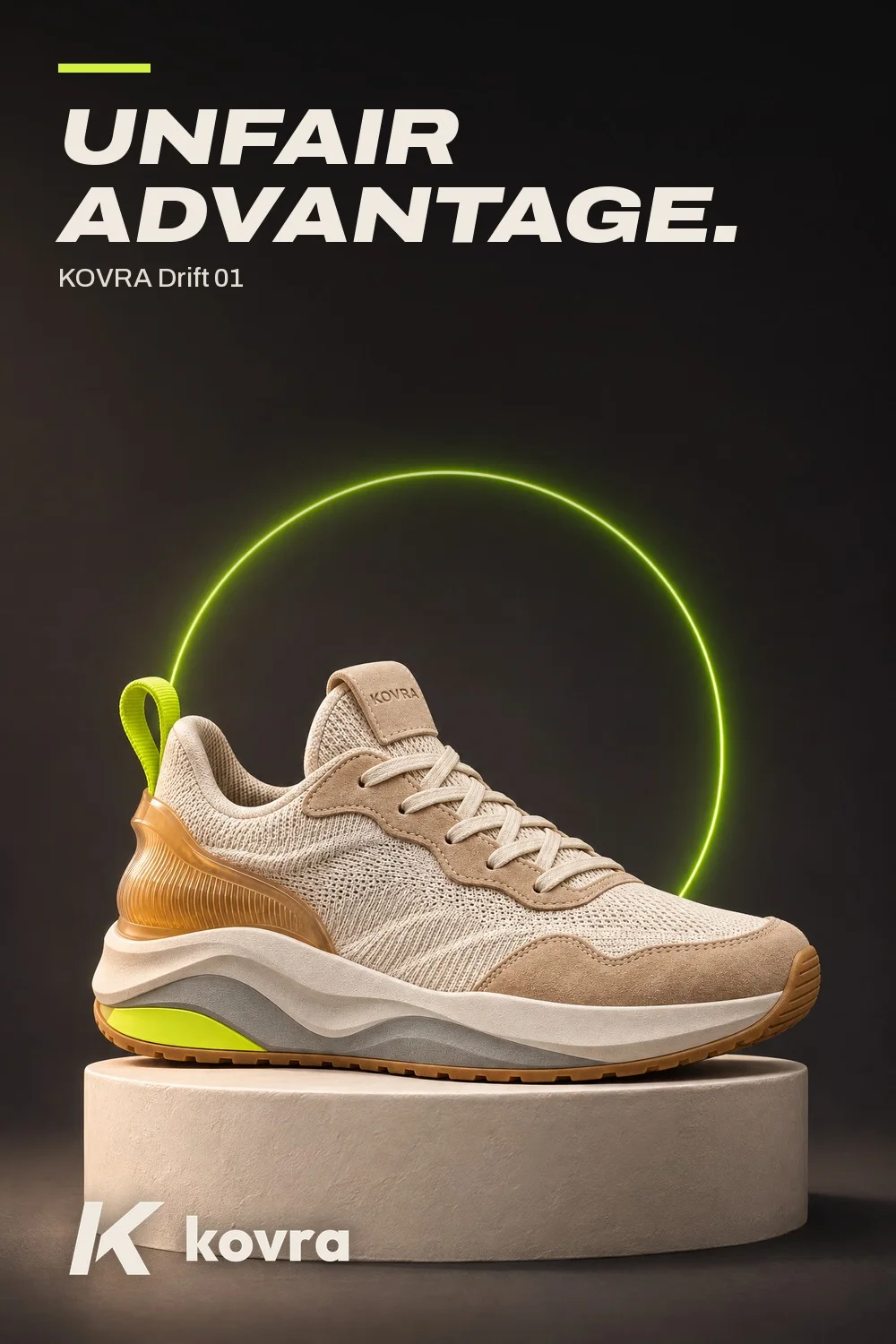
The campaign stills
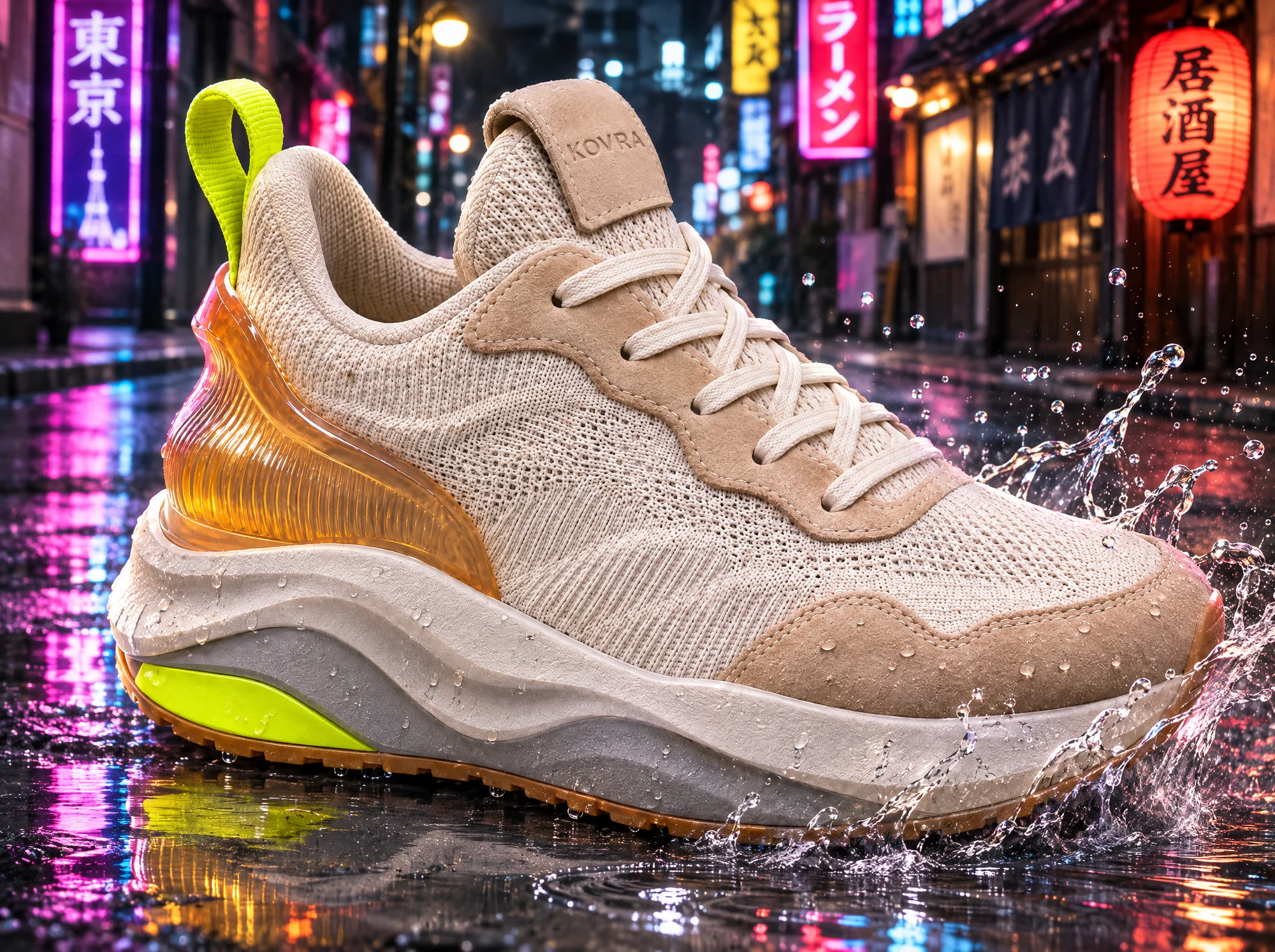
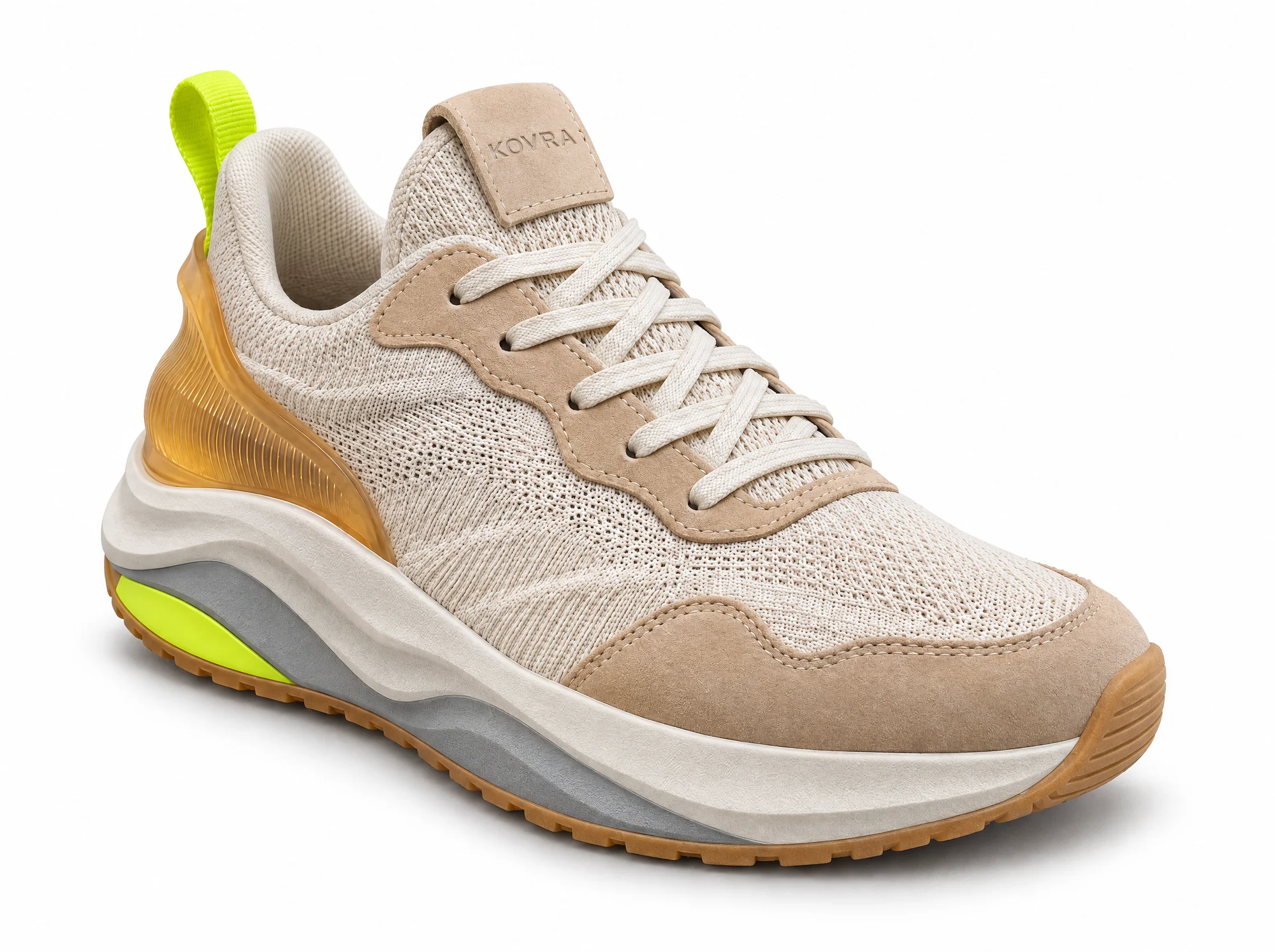
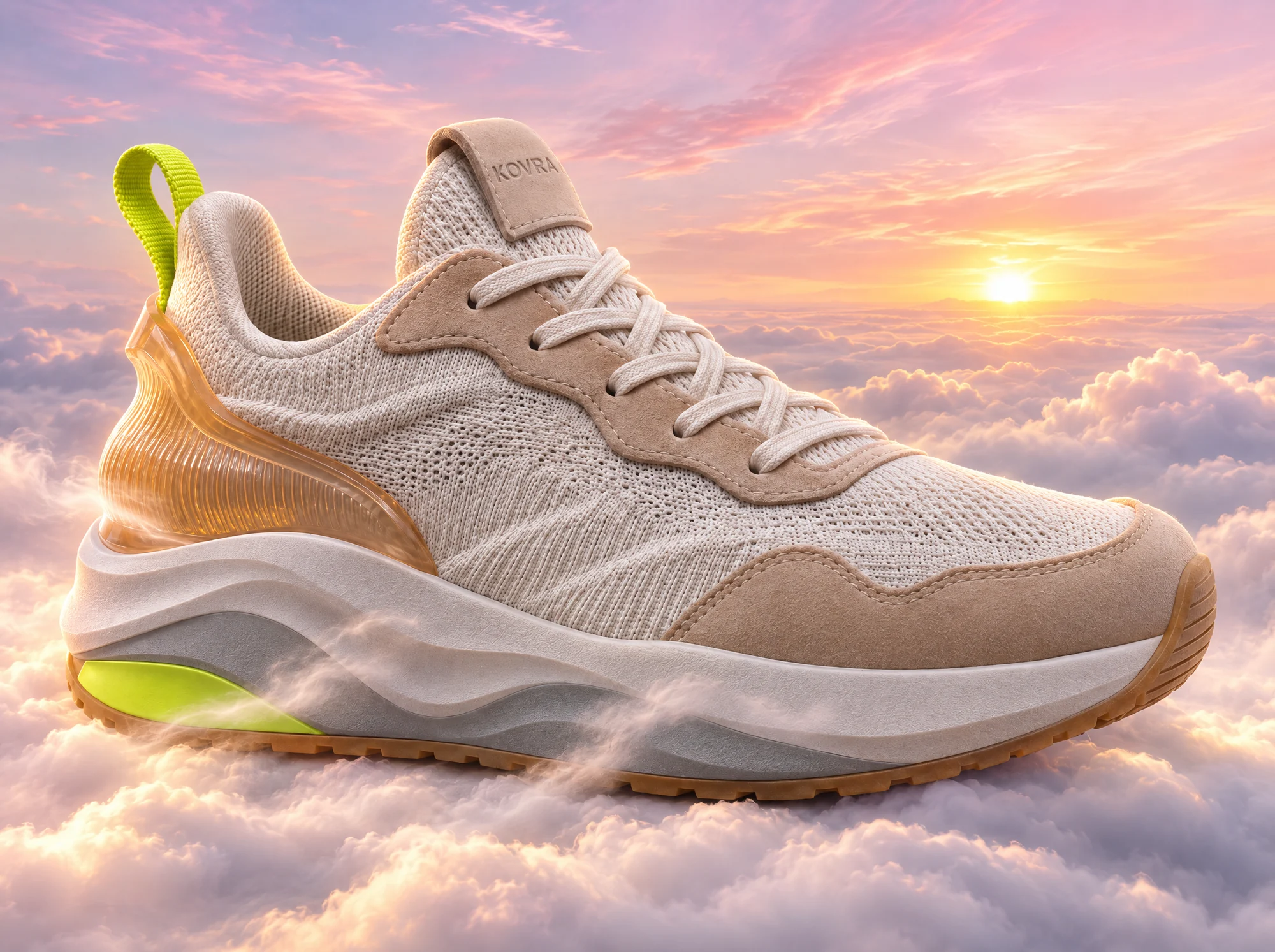
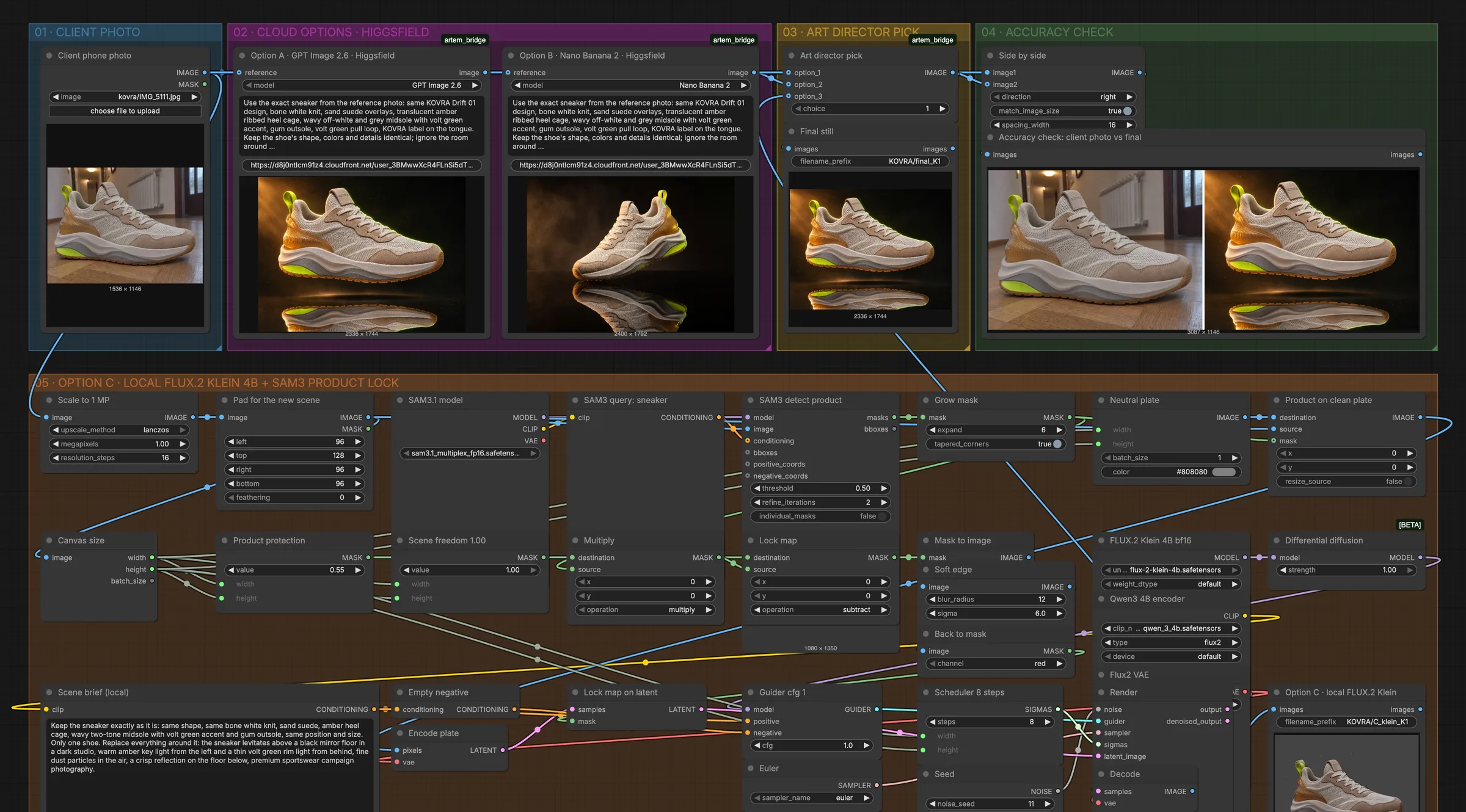
Raw timelapse of the photo branch
The graph built node by node, then six scenes run one after another. Real run time was under two minutes per scene.
02 · Brand
A logo the layouts can use
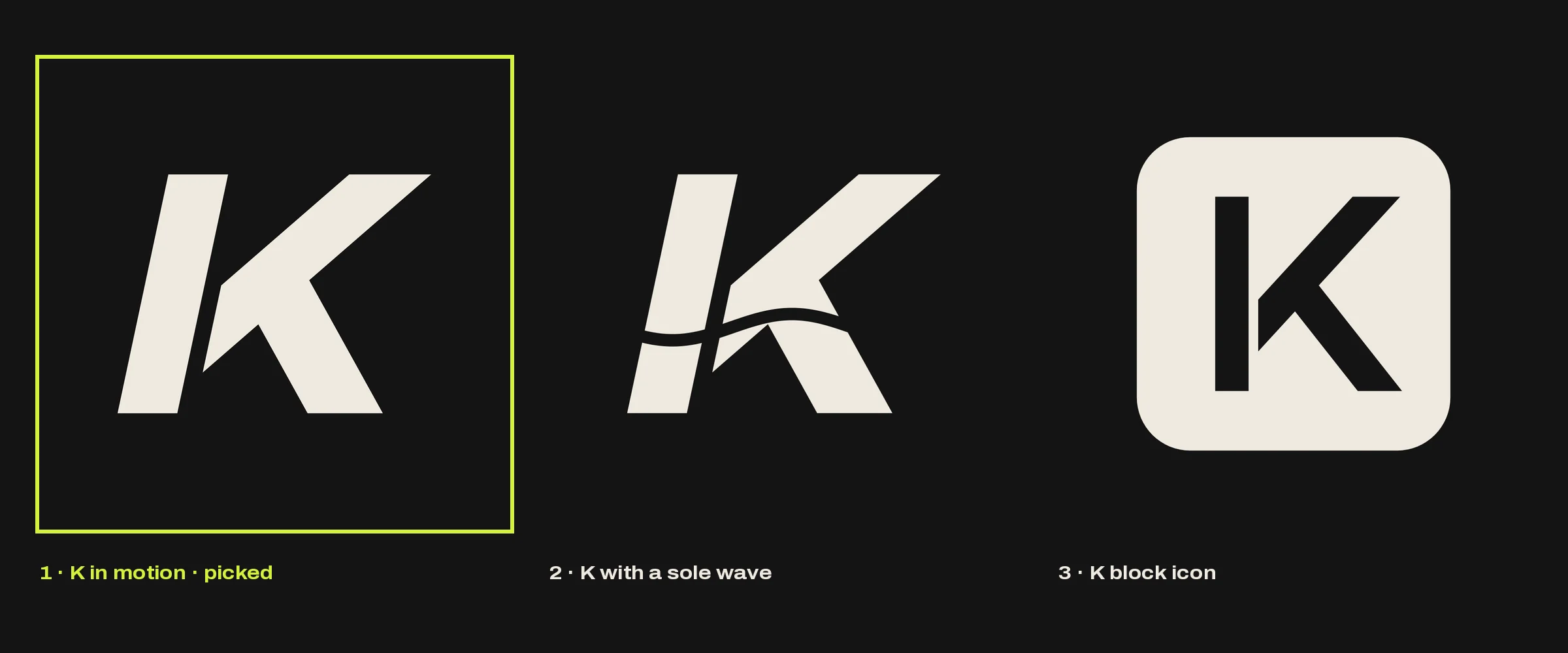
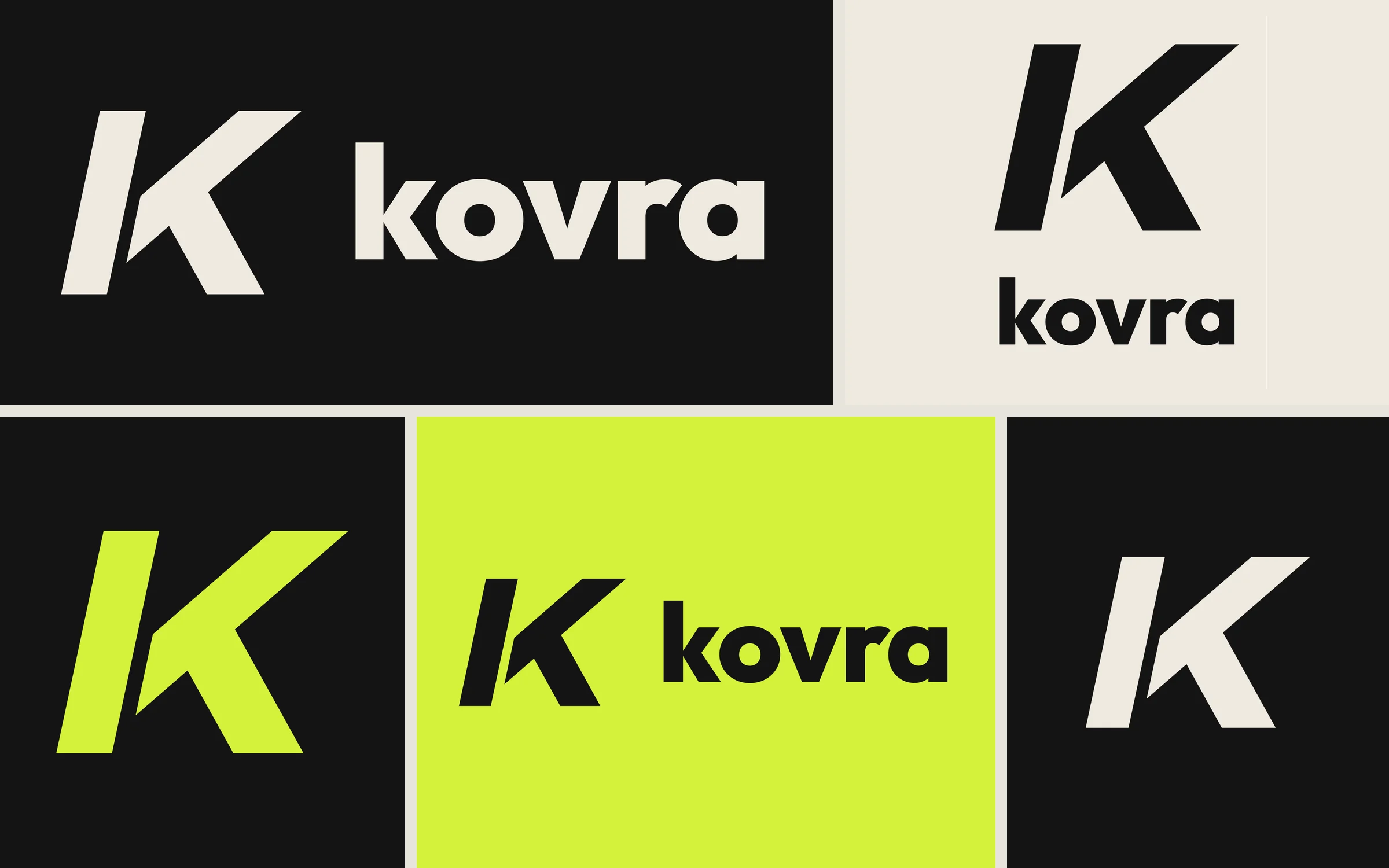
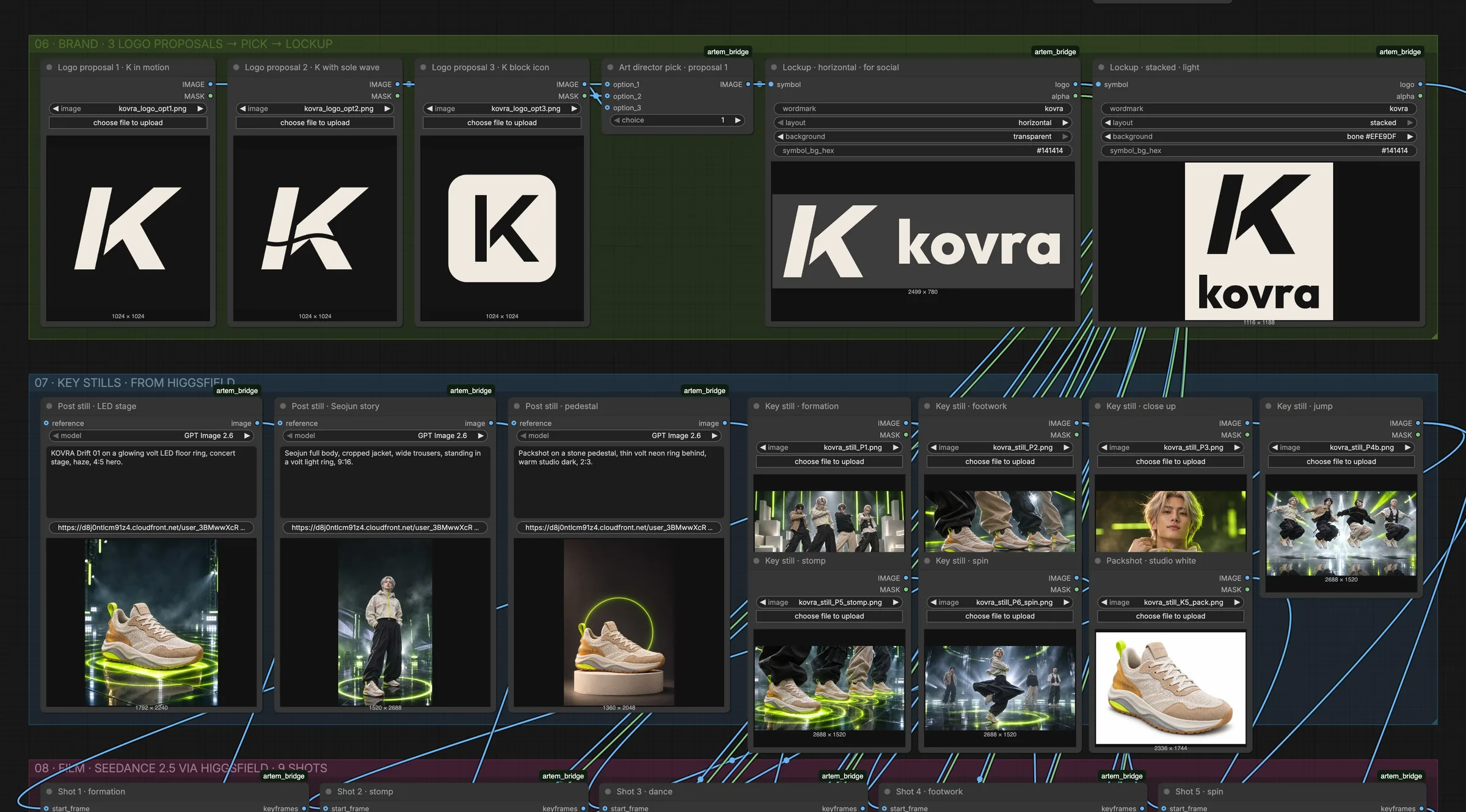
Three logo proposals go into the graph. The art director picks one, and two lockup nodes build the horizontal version for social and the stacked version for print. Every layout further down takes the logo from those nodes, so a brand change reaches every format on the next run.
The picked mark, “K in motion”, is a forward leaning K with a cut between stem and arms, set with a lowercase wordmark. Delivered as 38 files: horizontal and stacked lockups, the symbol and an app icon, on dark, light, volt and transparent backgrounds.
03 · Film
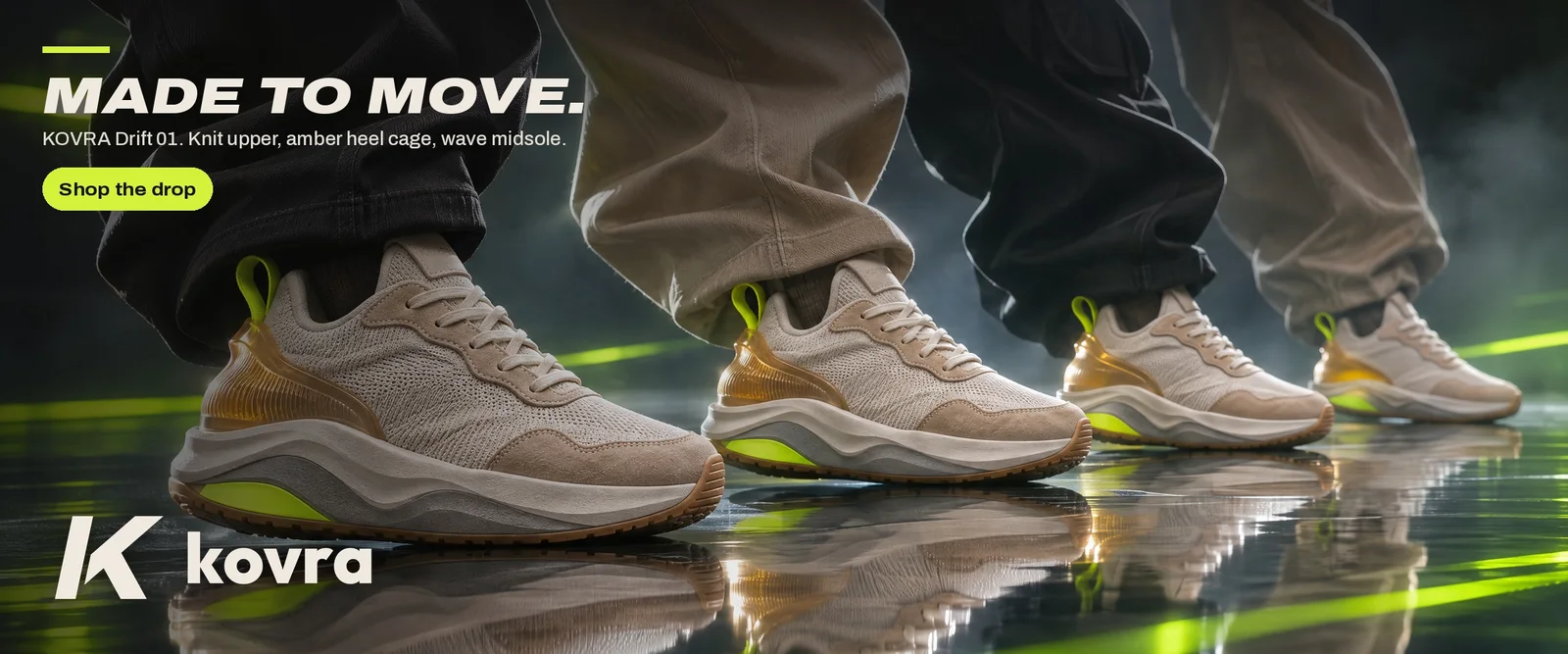
A 14 second ad, cut for every screen
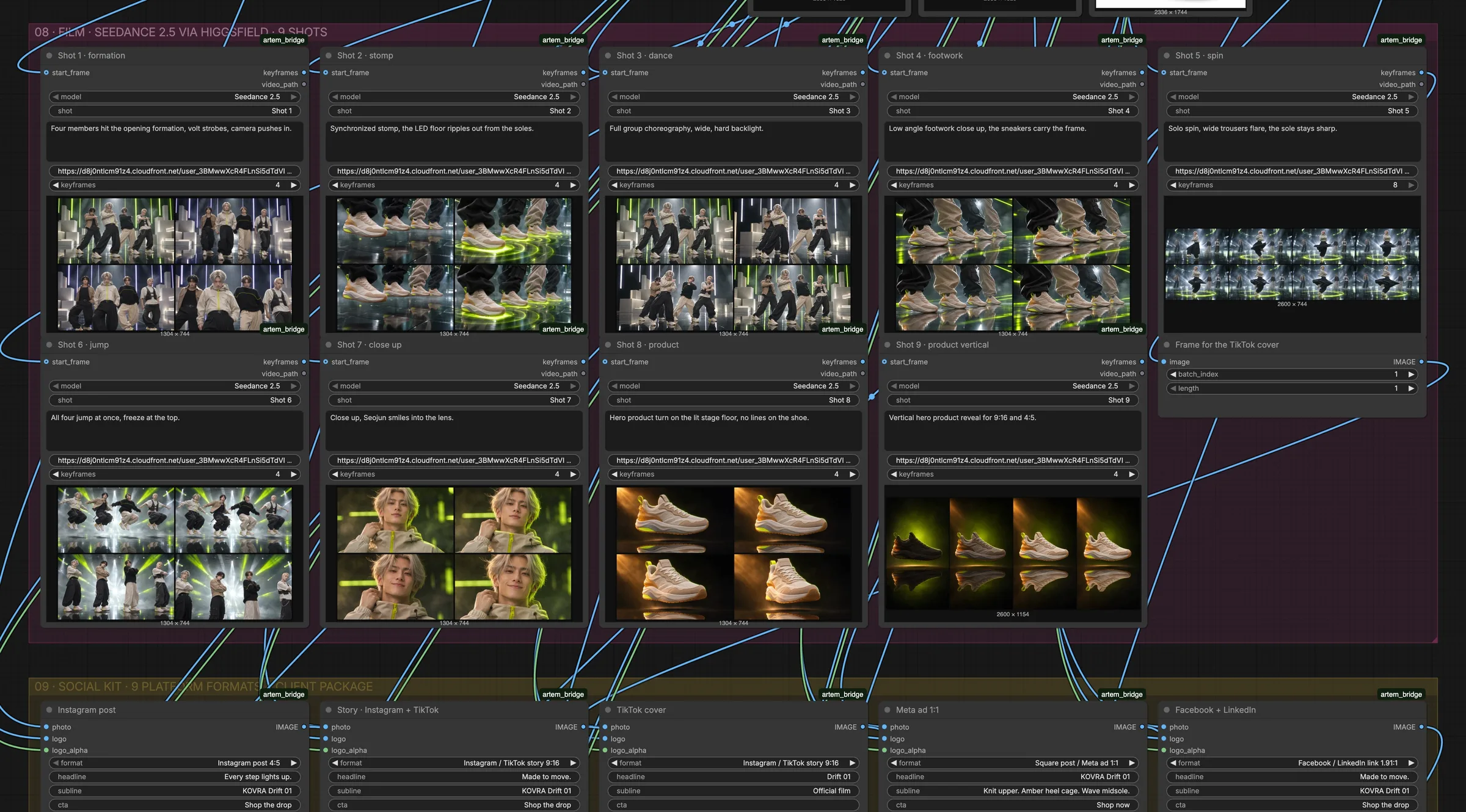
The concept: a four member dance group on a lit stage, with the shoe carrying every move. Seven action shots on Seedance 2.5 through Higgsfield. Key stills from the photo step become the first frames, so the cast, the stage and the sneaker stay the same from shot to shot. The closing product shot got a second pass: in review the AI had redrawn the knit pattern from frame to frame, so we rebuilt the knit as a retouched high resolution still and animated it again on Kling 3.0 with a locked camera, at native 1080p and never upscaled. The knit now holds still in every frame.
Each shot was drafted at low resolution and cut into an animatic first. Only approved shots were finalized in 1080p. The edit, speed ramps, member intros, spec callouts and the end card where the logo assembles are done in our own motion pipeline, then delivered in three formats from one edit.
16:9
YouTube, web and TV screens.
Watch larger ↗Film page →9:16
TikTok, Reels, Shorts.
4:5
Instagram and Facebook feed.
04 · Social kit
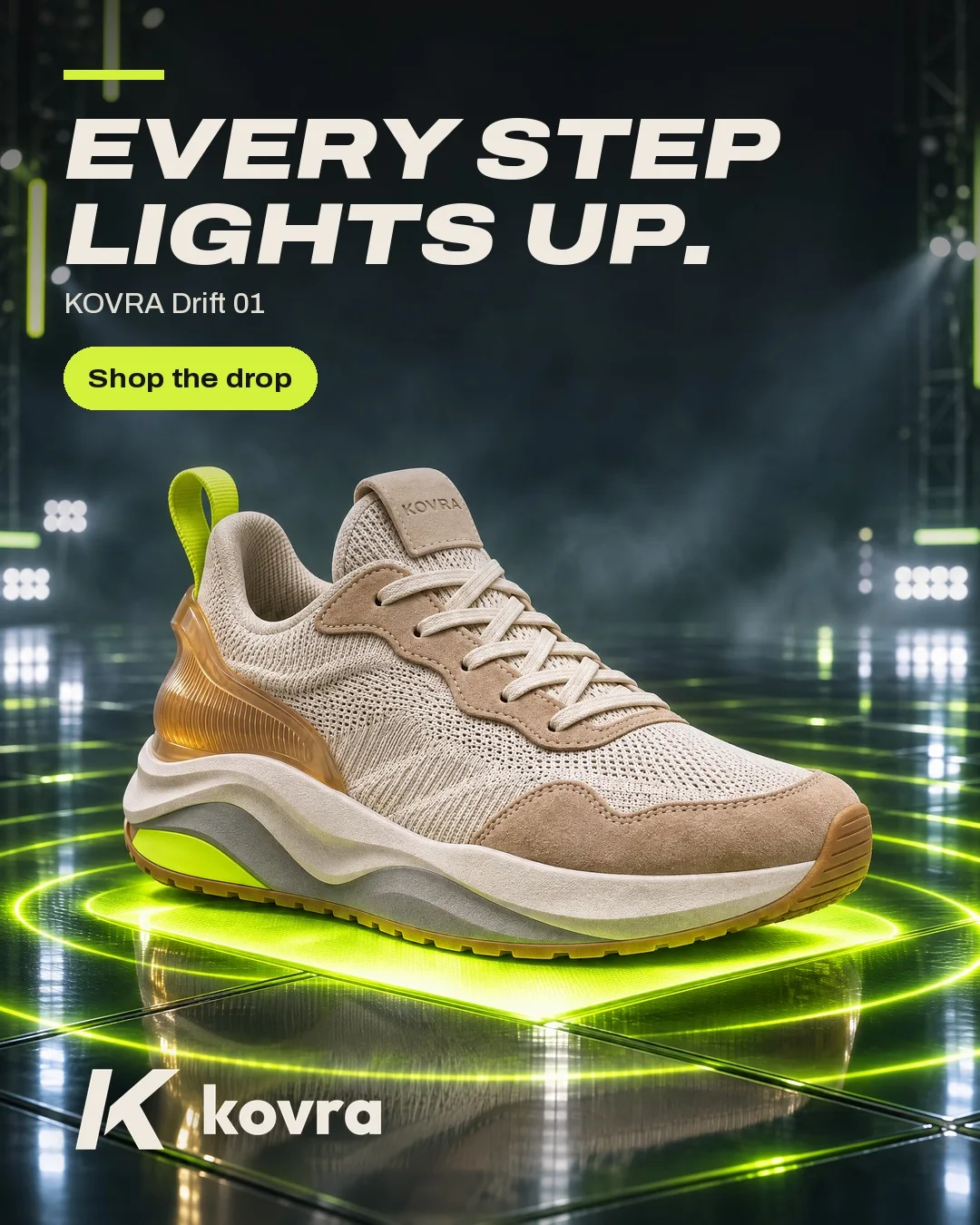
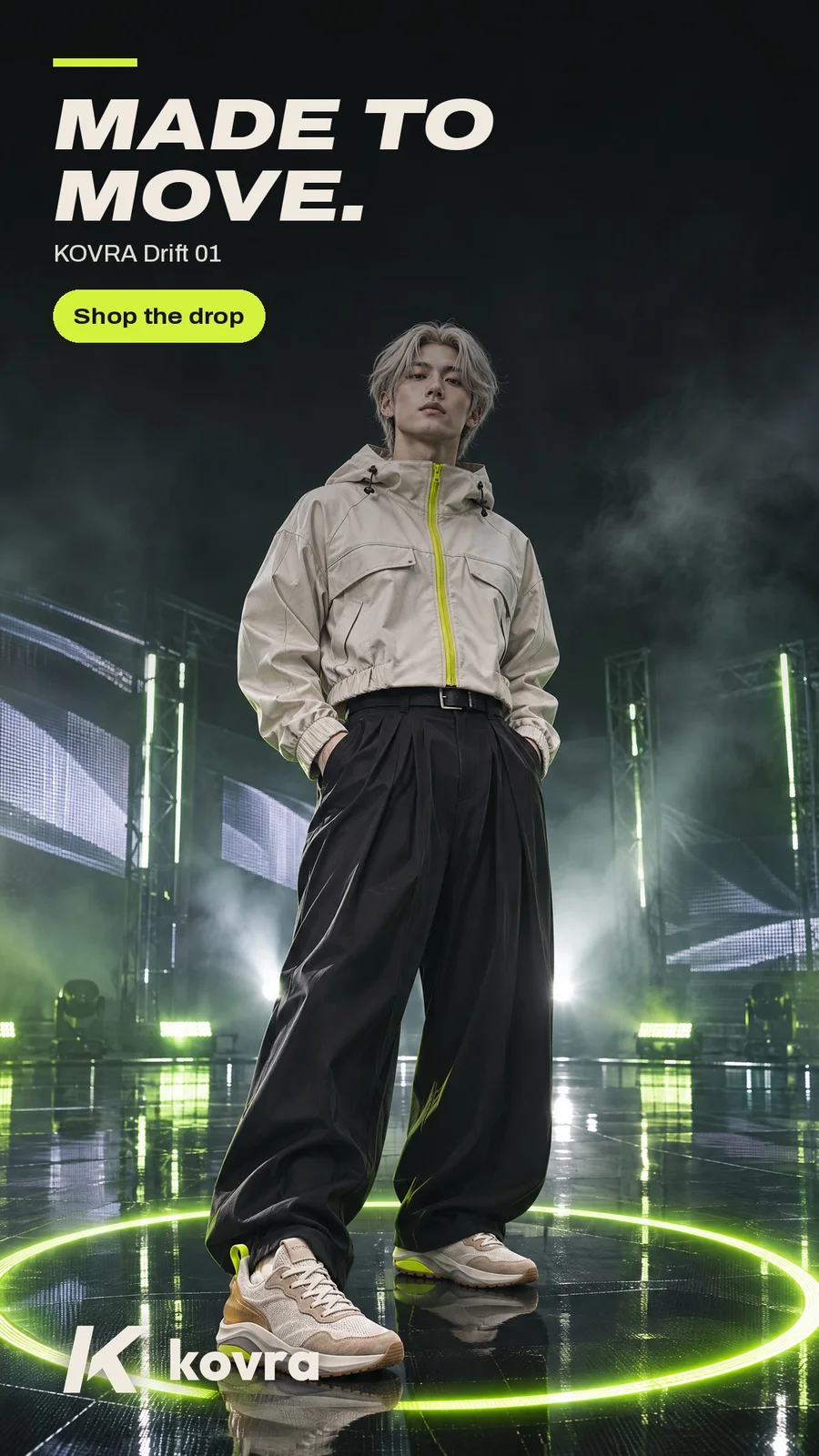
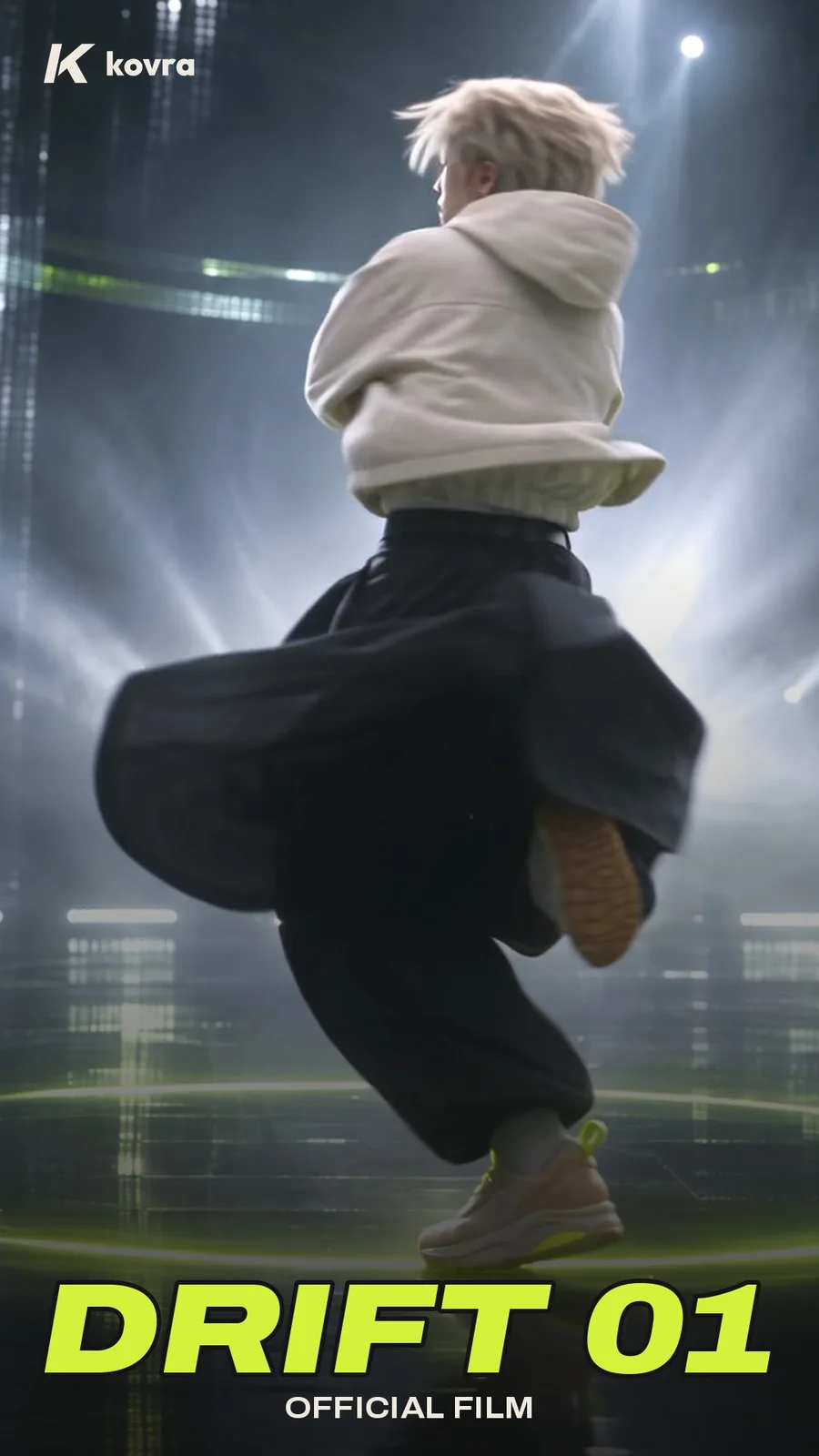
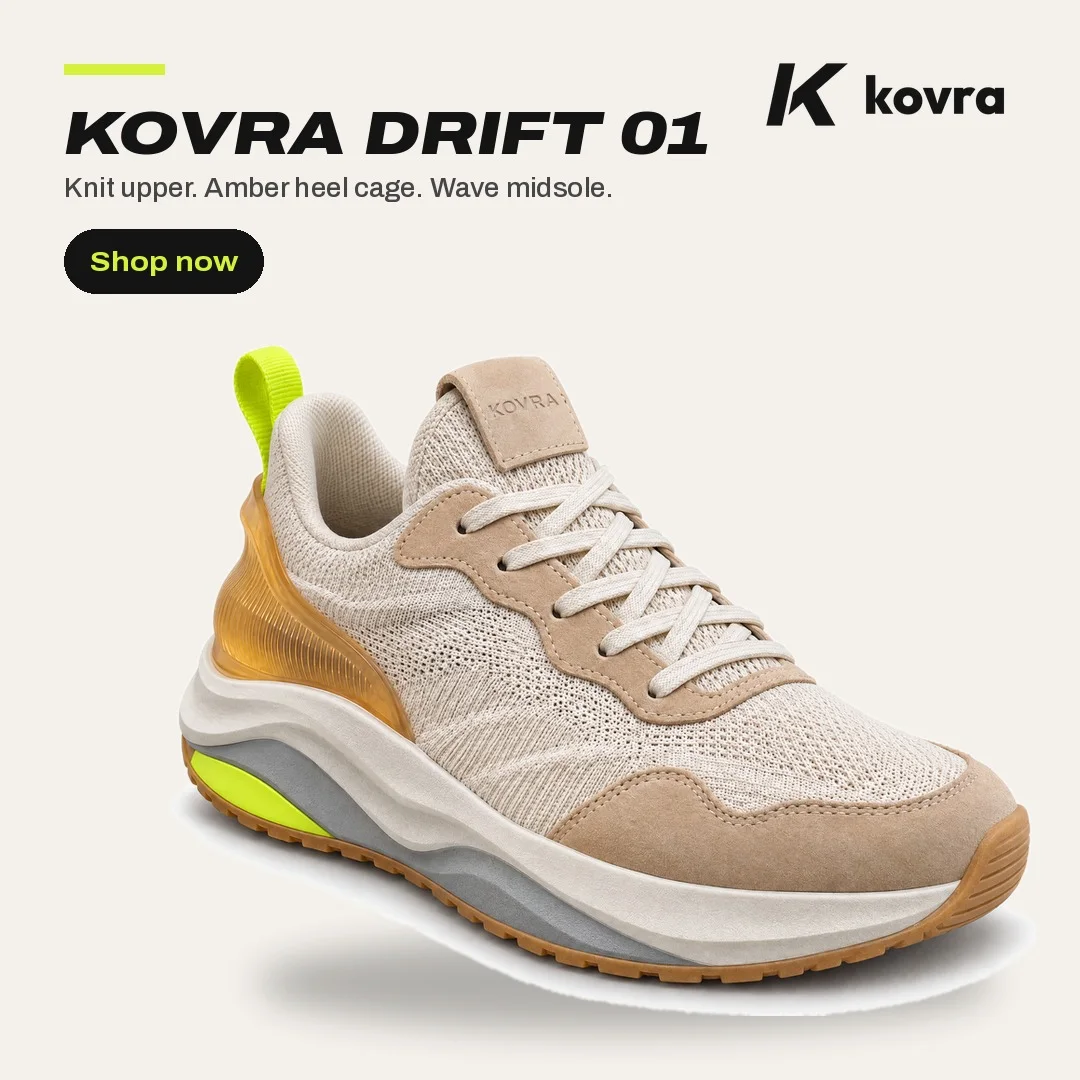
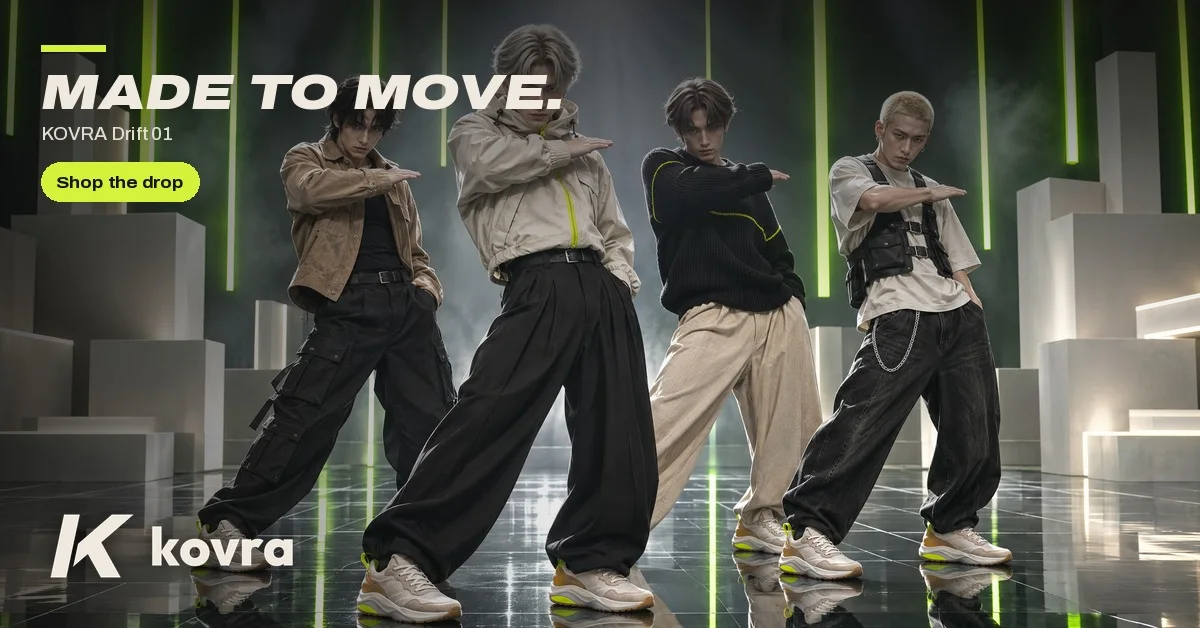
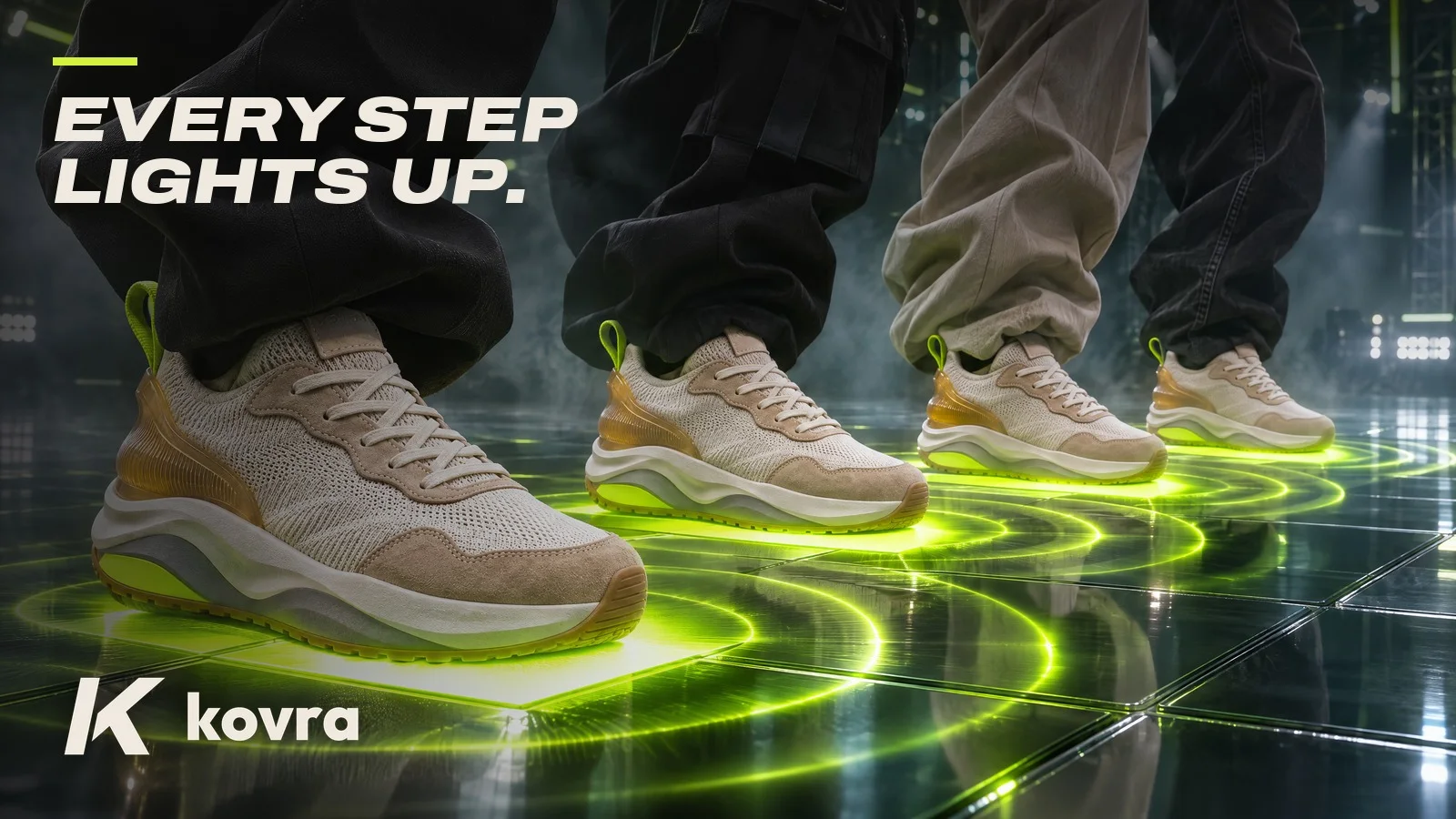
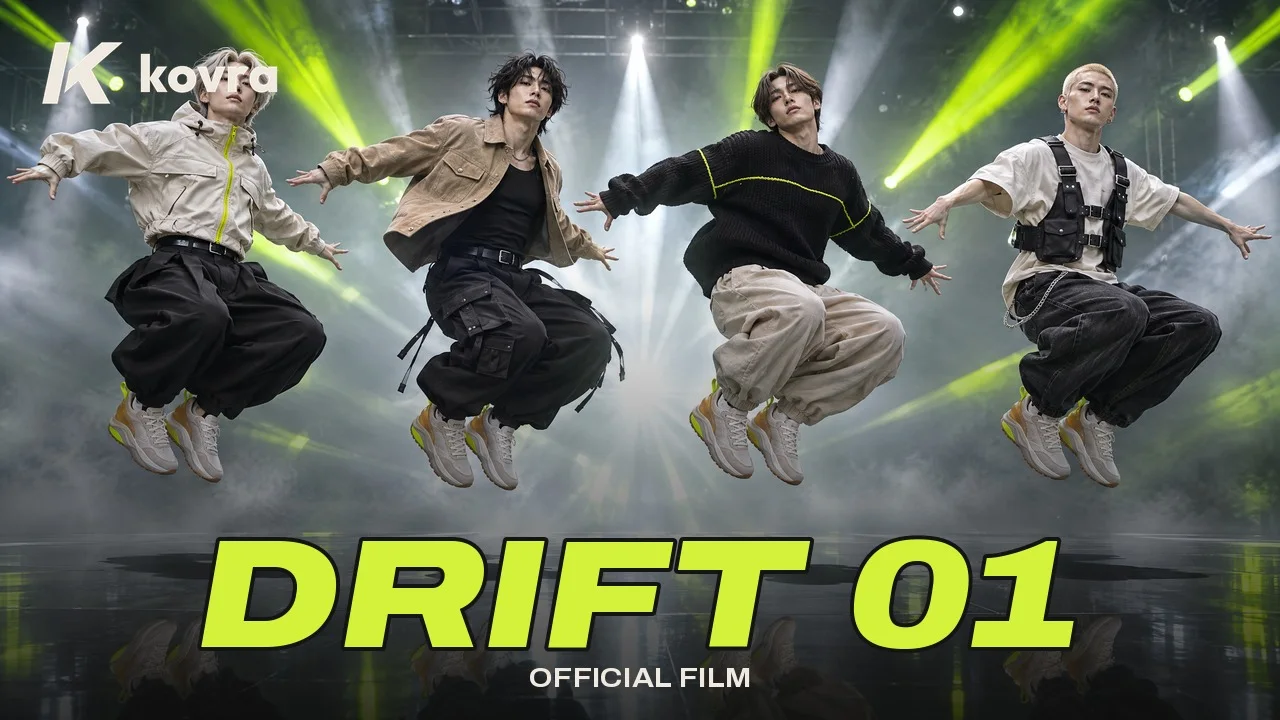
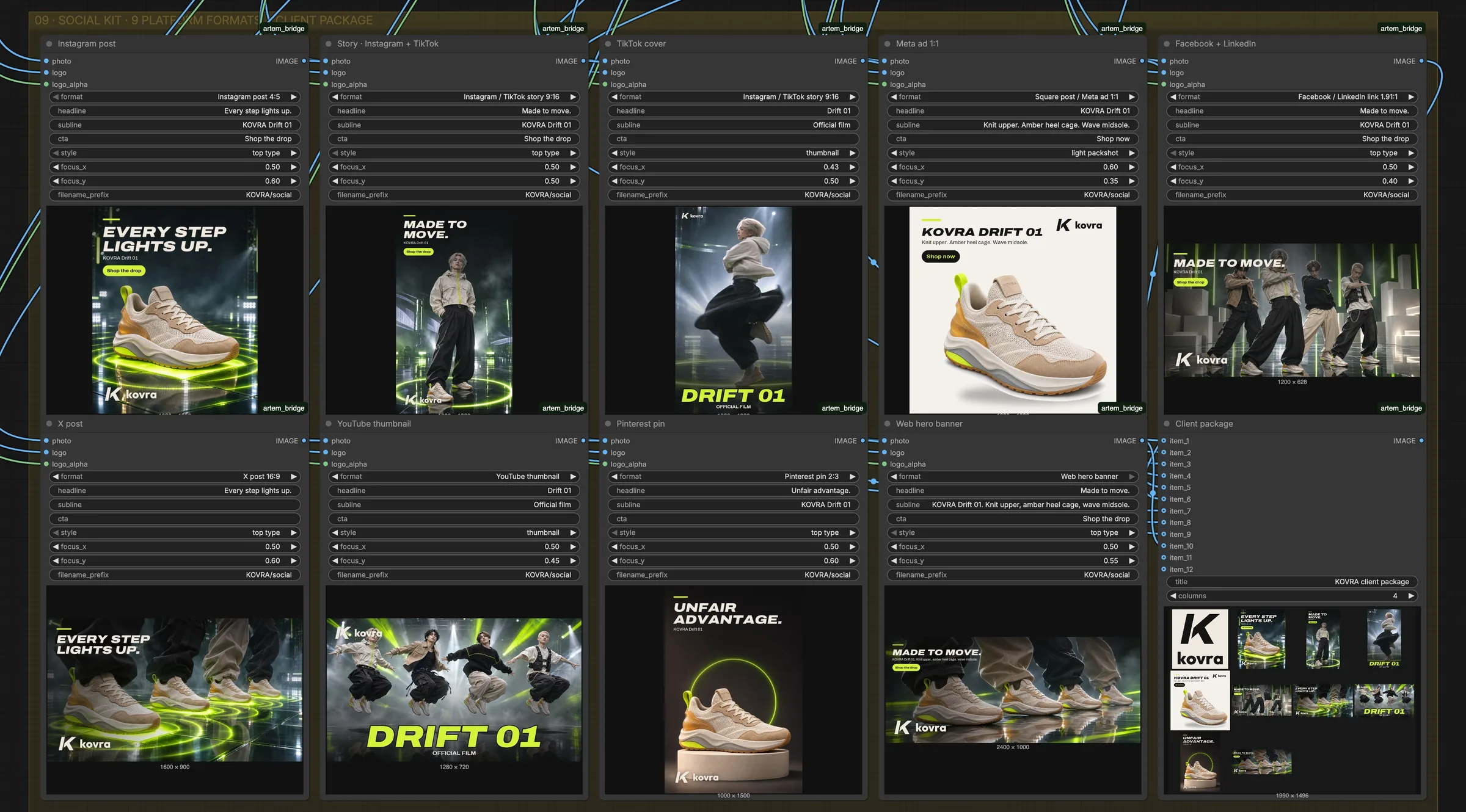
Nine platforms from one set of nodes
One layout node per platform. It takes a still or a film frame, the lockup and the copy, then sets the type, the logo and the crop for that format. The TikTok cover is built from a frame of shot 5, straight from the video node.
What we learned
- GPT Image 2.6 won five of six photo scenes. It held the small details of the shoe best: the pull loop, the ribbed heel cage and the wavy midsole.
- Nano Banana 2 won one of six (a giant sneaker in the dunes), with a more convincing sense of scale and atmosphere.
- The local branch kept the shoe closest to the photo, but it did not build convincing scenes in this test. We keep it for packshots, fixes and jobs where the product must not change at all.
- Image models are not logo designers. The AI logo rounds looked generic and fell apart at small sizes, so the final mark is vector geometry drawn by us. The graph still runs the proposals, the pick and the lockups, so the brand flows into every layout automatically.
- Draft first, finalize only what is approved. Every film shot was drafted at low resolution and cut into an animatic before any 1080p render, which keeps video costs to a fraction of finalizing every take.
- Layouts as nodes pay off on revisions. Each platform layout renders in a few seconds, so a new headline or a different photo updates all nine formats at once.
- Cloud models still drift on small details. That is why the accuracy check lives inside the graph, before anything reaches the client.
- Input
- Five phone photos
- Output
- 6 campaign stills, a 38 file logo system, a 14 second ad in 3 formats, 9 social formats, a process film
- Options reviewed
- 18 stills, three per scene, and 3 logo proposals
- Tools
- ComfyUI, Higgsfield (GPT Image 2.6, Nano Banana 2, Seedance 2.5, Kling 3.0), FLUX.2 Klein 4B, SAM 3.1, ElevenLabs Music
Explore AI product photography → Explore AI video production →
Your product. A full launch kit.
Send your product photos, references and project details. We will review your brief and put together a proposal.
Direct projects: standard invoice or PayPal invoice. Prefer Fiverr? Book through our Fiverr Pro profile.